Control Your TV from Your iPhone
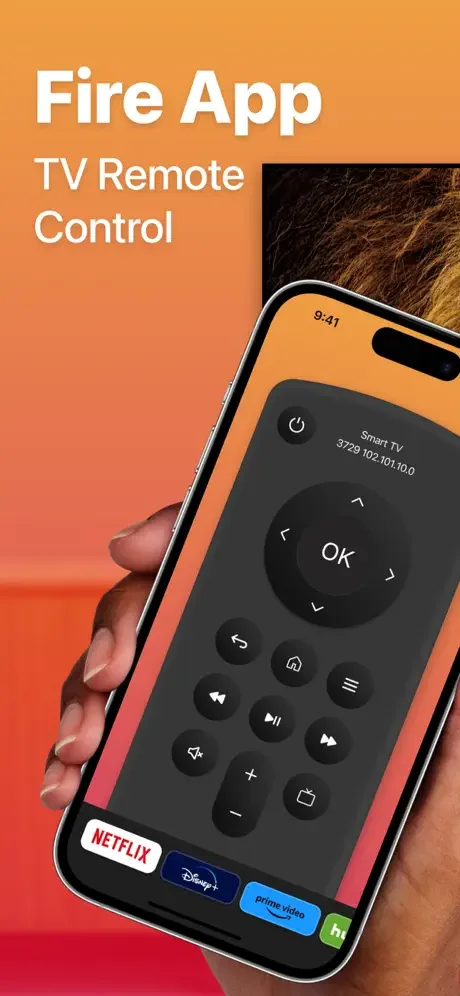
FireApp transforms your iPhone into a powerful remote control for your Smart TV. Say goodbye to lost remotes and enjoy seamless control with automatic connection, easy typing, and smooth navigation – all from the device already in your hand.
Why You'll Love FireApp
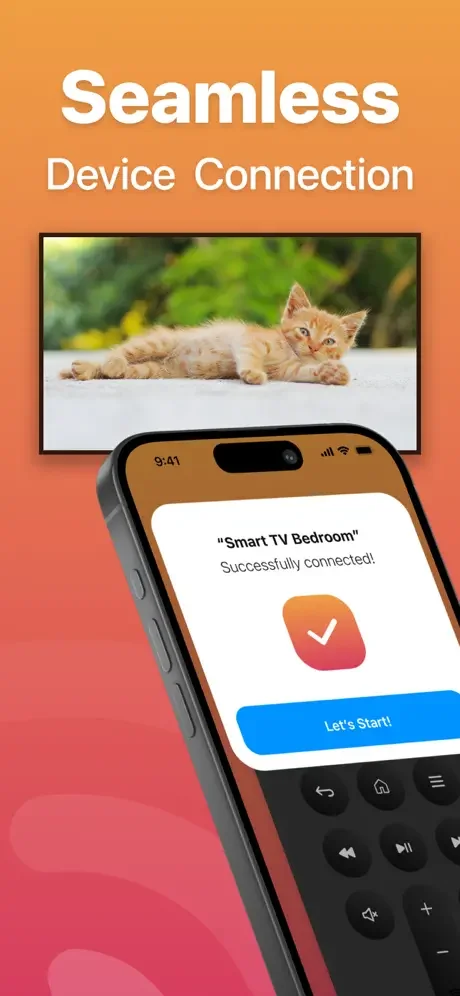
Connects in Seconds
No complicated setup or confusing pairing processes. FireApp automatically finds and connects to your TV when both devices are on the same Wi-Fi network, getting you up and running instantly.
Type with Real Keyboard
Stop struggling with slow TV remote buttons when searching for shows and movies. Use your iPhone's full keyboard to type quickly and easily, making searches and logins a breeze.
Navigate Like a Pro
The built-in touchpad gives you smooth, precise control for browsing menus and selecting content. Move through your apps and settings faster than ever with intuitive swipe gestures.
Always Within Reach
Your phone is always nearby, so your remote is too. Never waste time searching for a lost remote or buying replacements – everything you need is right in your pocket.
About
FireApp — TV Remote Control
FireApp — TV Remote Control is your go-to virtual remote for seamlessly managing your Smart TV with your iOS Device.
Functionality
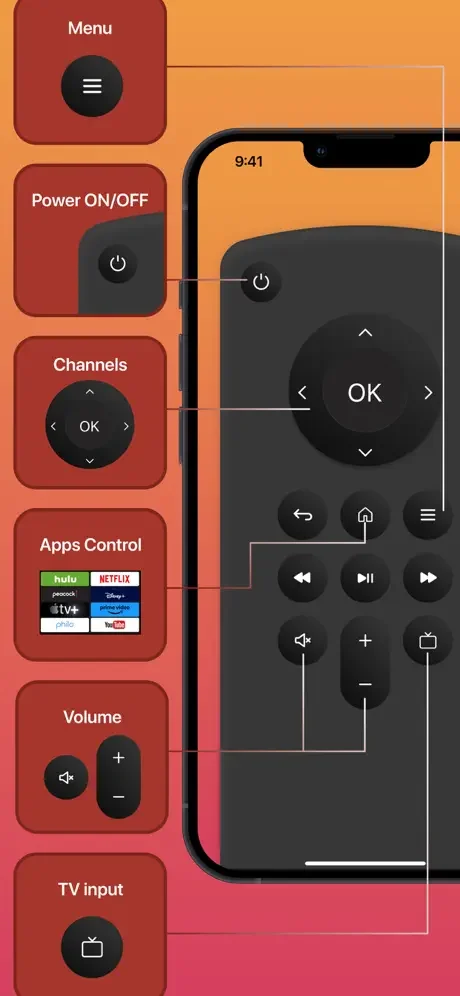
- Enjoy a fully functional remote control at your fingertips.
- Experience automatic device connection for hassle-free setup.
- Navigate with ease using the touchpad for menu exploration and quick typing on web apps.
- Adjust the volume up or down effortlessly.
- Simplify your searches with the built-in keyboard.
- Power off your TV with a single tap.
- Stay up-to-date with regular updates to support a wide range of new TV models.
Connection Requirements
To utilize this remote control, ensure that your iOS device and TV are connected to the same Wi-Fi network.
- If the connection encounters any issues, try restarting your iPhone, Smart TV, and Wi-Fi router for a smoother experience.
Subscription Details
- Payment will be charged to your iTunes Account upon confirmation of purchase.
- Subscriptions will automatically renew unless you turn off auto-renew at least 24 hours before the current period ends.
- Your account will be charged for renewal within 24 hours before the current subscription period concludes, specifying the renewal cost.
- Manage your subscriptions and disable auto-renewal by accessing your Account Settings after purchase.
- Any remaining time from a free trial period, if offered, will be forfeited upon purchasing a subscription to the respective publication, where applicable.
Legal
See FireApp in Action
Loved by Thousands of Users
Best remote compared to all the other ones in the app
IT WORK SO GOOD I JUST LOVE IT SO MUCHHH💕💕
Amazin free remote
Execional
Buena
Good